
UPDATED OCTOBER 2026 • INDEPENDENT UK GUIDE
Best Heat Pump Apps UK (2026 Guide)
Daikin ONECTA, Mitsubishi MELCloud Home, Vaillant myVAILLANT, NIBE myUplink and more: compare useful features, compatibility and the controls you actually get.
platforms compared
homeowner advice
limitations explained

QUICK ANSWER
Which Heat Pump App Should You Choose?
There is no best app for every household. Most manufacturer apps only work with compatible systems from that brand, so first choose a well-designed heat pump installation, then compare the controls it supports.
Daikin owners
ONECTA
Connected heating and hot-water settings for compatible Altherma systems; check the Wi-Fi adaptor.
Mitsubishi owners
MELCloud Home
Relevant to supported Ecodan systems; check your controller and any legacy MELCloud transition.
Vaillant owners
myVAILLANT
Heating, hot water and selected smart-home functions via compatible gateways.
Monitoring-focused owners
NIBE myUplink
System information and alerts; compare the free tier with Premium controls.
Our practical verdict
Choose the app that is fully supported by the exact heat pump, controller and internet gateway you are buying. A polished phone interface is useful; it cannot compensate for poor system design, incorrect flow temperatures or unsuitable radiator sizing.
These are research-based comparisons of published functions, not hands-on tests or customer satisfaction rankings.
Heat Pump Apps Compared
Functions differ by heat pump generation, controller, connectivity hardware and software version. Treat this as a shortlist rather than a universal compatibility guarantee.
| App | What it can offer on supported systems | What to verify |
|---|---|---|
| Daikin ONECTA | Remote heating and hot-water control | Altherma compatibility and Wi-Fi adaptor |
| Mitsubishi MELCloud Home | Connected heating/hot water and monitoring | Ecodan model, controller, legacy-app migration |
| Vaillant myVAILLANT | Heating/hot water, consumption view, selected integrations | myVAILLANT connect and heating controller |
| NIBE myUplink | Status, alerts and paid advanced functions | Free versus Premium access |
| Panasonic Aquarea Smart Cloud | Remote Aquarea heating and hot-water controls | Aquarea generation and cloud adaptor |
| LG ThinQ | Connected controls on selected THERMA V configurations | Connectivity module and exposed controls |
| Samsung SmartThings | Smart-home and energy features on supported EHS systems | Unit, controller and integration availability |
Five Features Worth Checking Before Installation
An app should make everyday heating easier and give you understandable information, not encourage constant manual adjustments.
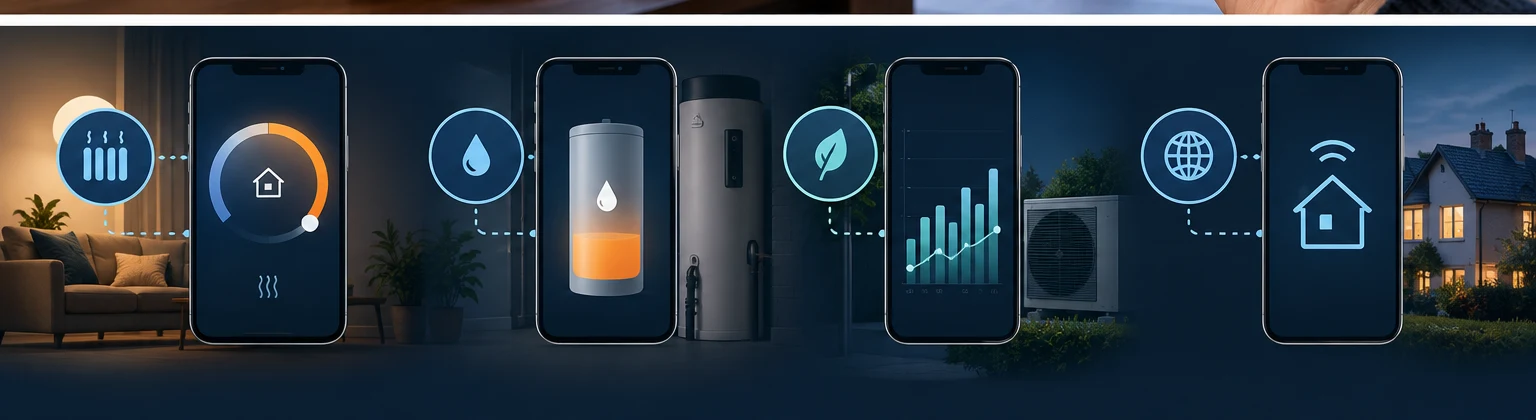
Heating and hot-water schedules
Check whether you can control both separately and whether the app respects weather compensation and the system’s commissioned settings.
Useful energy monitoring
Ask what is measured, what is estimated and whether electricity input and delivered heat are both shown.
Alerts and remote support
Check which fault notifications reach your phone, whether they are actionable and who receives remote diagnostics.
Reliable everyday controls
Confirm what works during a Wi-Fi outage and whether local wall-mounted controls remain usable.
Subscriptions and availability
Some advanced functions may be paid or model-restricted. Check the current UK terms before committing.
Smart-home integration
Support for Apple Home, Alexa, Google Home or external automation should be checked feature by feature.
Manufacturer Heat Pump App Reviews
Our assessment focuses on documented controls, compatibility and homeowner limitations rather than invented app scores.
Daikin ONECTA
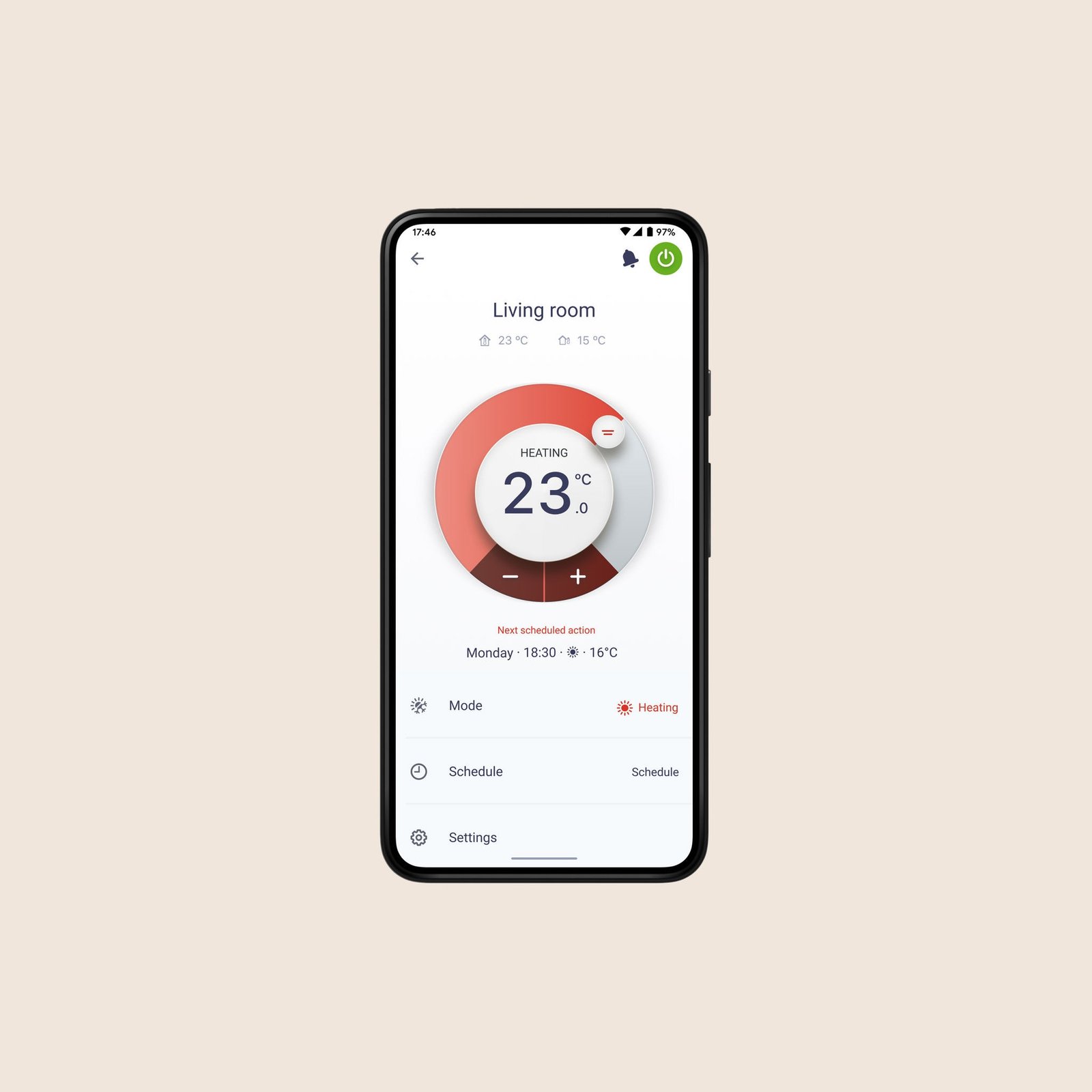
Image: Daikin ONECTA / manufacturer promotional material.
Worth considering for: households considering a compatible Daikin Altherma heat pump
Daikin confirms smartphone heating and hot-water controls through ONECTA when a compatible heat pump and Wi-Fi adaptor are installed. It is a logical starting point for Altherma owners who want remote access without choosing a separate smart thermostat first.
What to check
Confirm the precise model, installed Wi-Fi adaptor and which domestic hot-water settings will be available.
Important limitation
Do not assume energy metrics or third-party integrations are identical across every Altherma model.
Mitsubishi Electric MELCloud Home
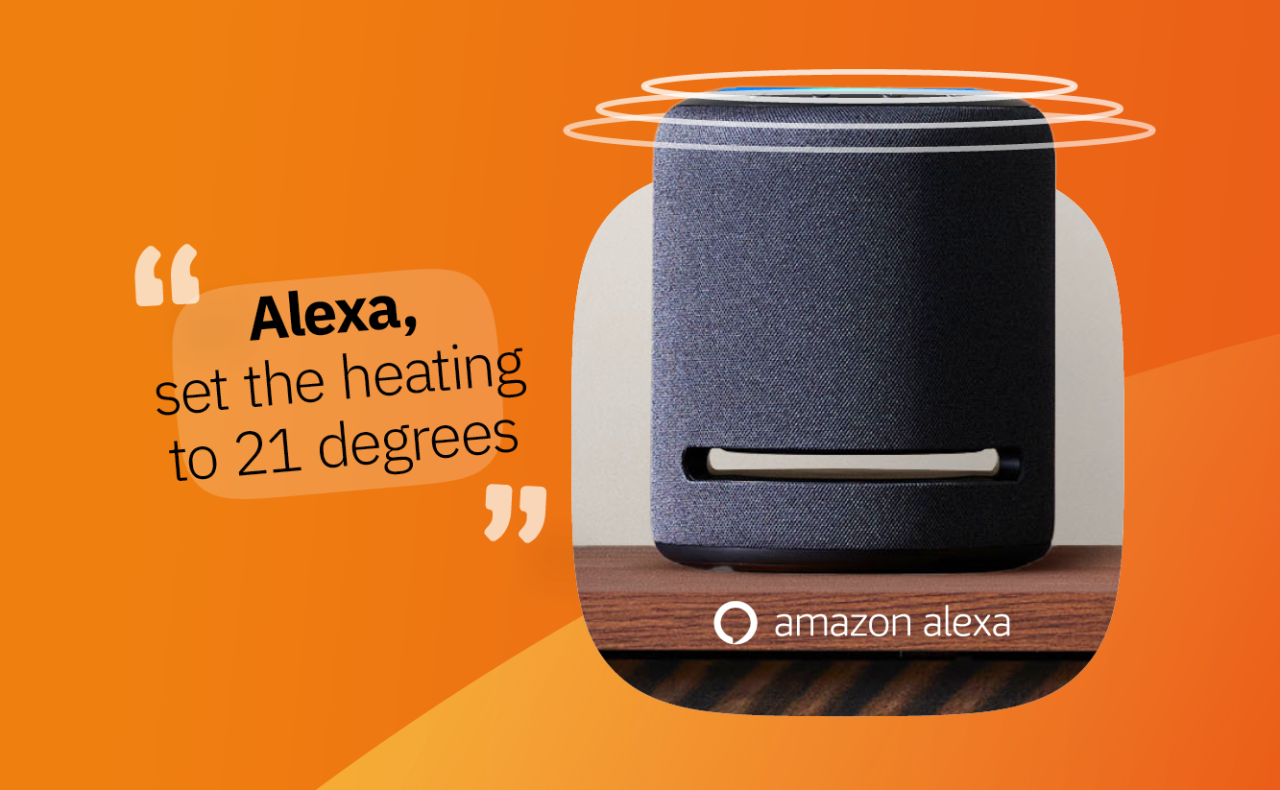
Image: Mitsubishi Electric MELCloud Home / manufacturer promotional material.
Worth considering for: supported Mitsubishi Electric Ecodan configurations
Connected controls can be useful for homeowners already committed to an Ecodan system. Ask the supplier to demonstrate heating and cylinder scheduling on the actual controller generation being installed.
What to check
Confirm whether the proposed Ecodan uses MELCloud Home, requires separate connectivity hardware and supports your preferred monitoring functions.
Important limitation
Owners using older MELCloud versions should check current migration instructions and historical-data availability.
Vaillant myVAILLANT

Image: Vaillant myVAILLANT / manufacturer promotional material.
Worth considering for: compatible Vaillant systems with a myVAILLANT connect gateway
Vaillant documents heating and hot-water controls, consumption data and Apple HomeKit integration on supported configurations. Its published update history also describes energy-screen improvements in 2025–26.
What to check
Confirm controller and gateway compatibility and whether you have a supported single-zone setup for HomeKit.
Important limitation
Smart-home and energy features vary by installation and may evolve in app updates.
NIBE myUplink
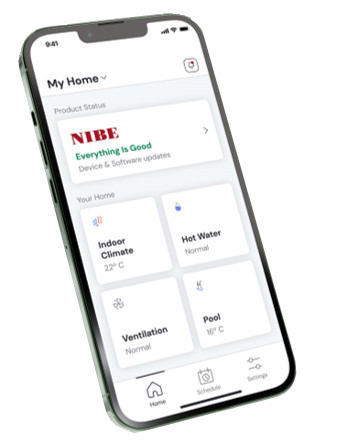
Image: NIBE myUplink / manufacturer promotional material.
Worth considering for: owners who value system history, status and remote notifications
NIBE documents basic status information, alerts and operating history as well as optional Premium Manage and Premium History services. This makes the free/paid distinction particularly important.
What to check
Which features are included free on your particular model? Will you need Premium Manage or Premium History?
Important limitation
Advanced remote settings and extended historical data may require subscriptions; verify current terms rather than relying on a quoted historical price.
Panasonic Aquarea Smart Cloud
Worth considering for: compatible Panasonic Aquarea heat pumps
Panasonic’s cloud platform is intended to provide remote functions for supported Aquarea heating systems. Its exact facilities depend on the equipment generation and connectivity adaptor.
What to check
Which Aquarea version, cloud adaptor and controls are provided as part of the installation?
Important limitation
Do not assume compatibility with every Comfort Cloud or Aquarea generation.
LG ThinQ and Samsung SmartThings
Worth considering for: selected THERMA V and EHS smart-home installations
Both manufacturers offer connected-home ecosystems, but generic app branding is not sufficient evidence of deep heat pump control. An installer should demonstrate the actual heating, hot-water and energy functions available.
What to check
Request a working demonstration on the exact model, gateway and software version.
Important limitation
Smart-home discovery does not necessarily mean full control of weather compensation, cylinder priorities or all efficiency data.
Will Your Heat Pump Work With Alexa, Google Home or Home Assistant?
Not all integrations expose the same settings. A voice assistant might change a room target temperature without providing access to heating-curve adjustments, cylinder settings or reliable heat-output data.
Voice assistants
Ask whether Apple Home, Google Home or Amazon Alexa works with the specific gateway and how many heating zones are supported.
Home Assistant and open integrations
Unofficial connections can depend on vendor cloud access or community-maintained software. Check maintenance requirements, data security and what happens if an API changes.
Can a Heat Pump App Reduce Your Running Costs?
Apps can help you notice unusual schedules or consumption trends, but they do not guarantee lower bills. Costs depend on property heat loss, flow temperature, emitter sizing, weather compensation, installation, household usage and electricity tariffs. Learn more in our heat pump running costs guide.
Does the app show COP?
Not every COP or efficiency value is independently metered. Ask whether heat delivered and electricity consumed are measured or estimated, which energy uses are included, and whether the figures cover heating, hot water or both.
Questions to Ask Before You Choose a Heat Pump App
- Which exact heat pump, controller and internet gateway support this app?
- Does it control both room heating and domestic hot water?
- What is free, what needs a subscription, and can charges change?
- Are energy figures measured, estimated or calculated?
- What happens if the internet fails or the manufacturer’s cloud service changes?
Also compare smart thermostats for heat pumps and the broader best air source heat pumps UK guide.
Heat Pump App FAQs
Can I control my heat pump from my phone?
Yes, when the heat pump and controller support a compatible internet-connected app. The exact functions depend on the installed hardware and software.
Do heat pump apps work without Wi-Fi?
Remote cloud features generally require internet access. Ask which local heating and hot-water controls remain available offline.
Can I use a third-party smart thermostat instead?
Sometimes, but this should be planned with the system designer. Incorrect control integration can interfere with low-temperature or weather-compensated operation.
Are heat pump apps free?
Core functions are often free, while some advanced monitoring or remote-management tools may require a paid subscription. Check current terms.
Do apps provide accurate energy and COP measurements?
Not always. Confirm which figures are directly metered and which are estimates before interpreting efficiency or cost information.
Choose the Right System First, Then the App
For most UK homeowners, the best app is the one that reliably supports the heating system designed for their property. Prioritise correct installation, clear control options, useful monitoring and a vendor that supports its software. Ask for a demonstration before purchasing.
Useful Guides Before You Choose